PDFNelo · FILES & USE

Tool use clear at every step

Understand how to use the tools, their supported inputs, and result checks.

The current site offers a browser-based PDF merge tool. Before processing, make sure you are allowed to use the selected files. Reopen each downloaded result and check the page order and important content.

The tool rejects encrypted files and interactive forms. Bookmarks, links, annotations, accessibility structure, and digital signatures can be affected by changes. See the merge PDF page for details.

This page describes use of the current tool. Before publishing a production service, the site operator should provide formal terms and contact details appropriate to its organization and service regions.

A simpler way to work with PDFs

Clear steps and useful tools, from choosing your files to getting the job done.

Start with the result you need

Choose the right tool, confirm page ranges and file order, and check its supported inputs before creating a result.

A sunlit study table with a concise instructions sheet, selected report pages and a closed cobalt folder, diagonal photograph without legible words.

A finished file, ready for your next step

Keep reading, printing, or sharing after export. Tools produce PDFs, images, text, spreadsheets, or ZIP files as appropriate. Review important documents in your usual reader.

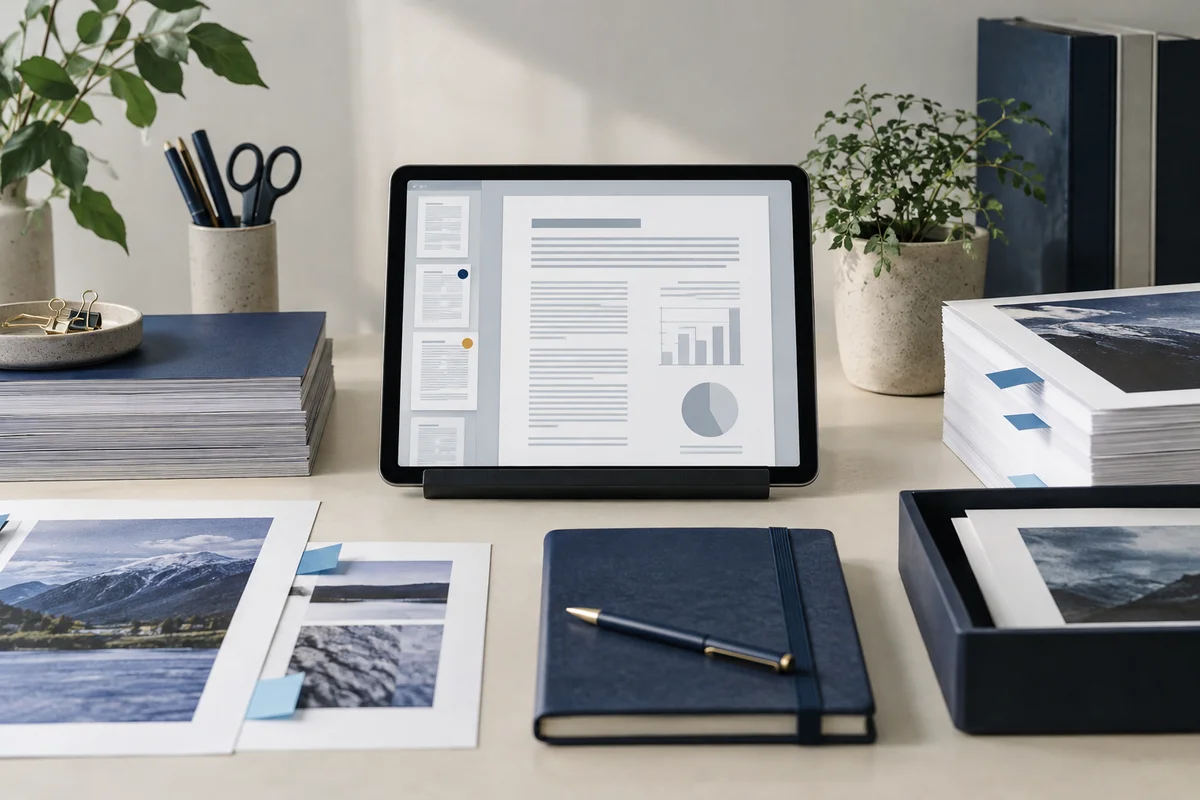
A print preparation desk with a reader tablet showing an abstract report and document tabs highlighting unusual pages, indigo stationery, frontal view.

Open your browser. Get straight to work.

No app to install and no account to create. Use a computer, tablet, or phone, with file-size and page limits clearly listed in each tool.

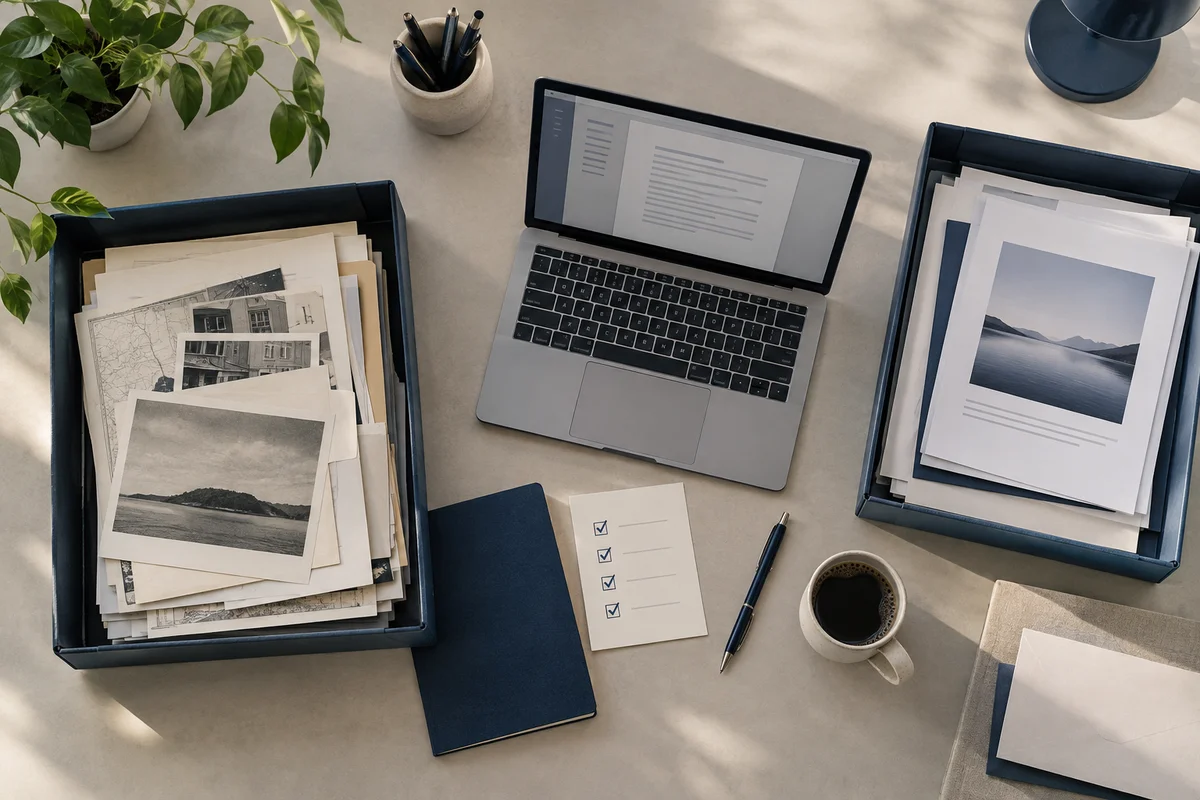
A quiet archive workstation with source files in one tray and reviewed output in another, a small checklist card with only checkmarks, broad overhead view.

Your next document starts here

No account. No app to install.

Choose your files, adjust the settings, and download the result you need.

Free to use · Files processed in your browser